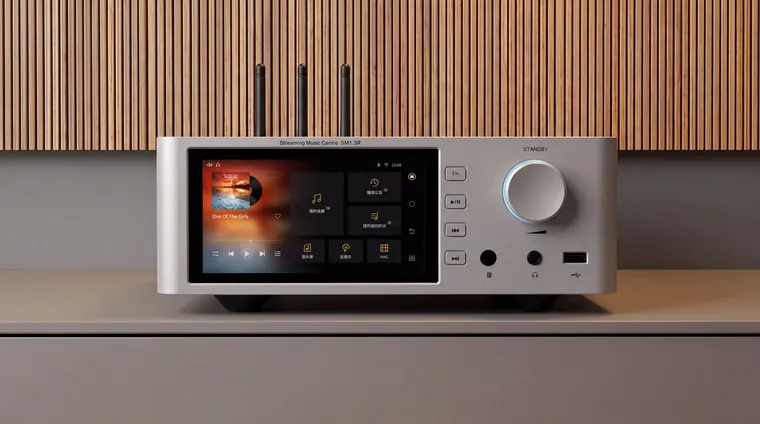
Shanling SM1.3R HD First Look: R2R Streamer at $1699
Shanling SM1.3R HD launched Oct 29 with an in-house R2R DAC, twin toroids, and $1699 / £1799 pricing. I have not heard it. Specs, the compare field, and whether it is worth chasing for review.
My WiiM Ultra has fed a Chord Qutest over USB since I bought it. Here is the setup that works, the settings that trip people up, and an honest look at whether the Ultra even needs the help.
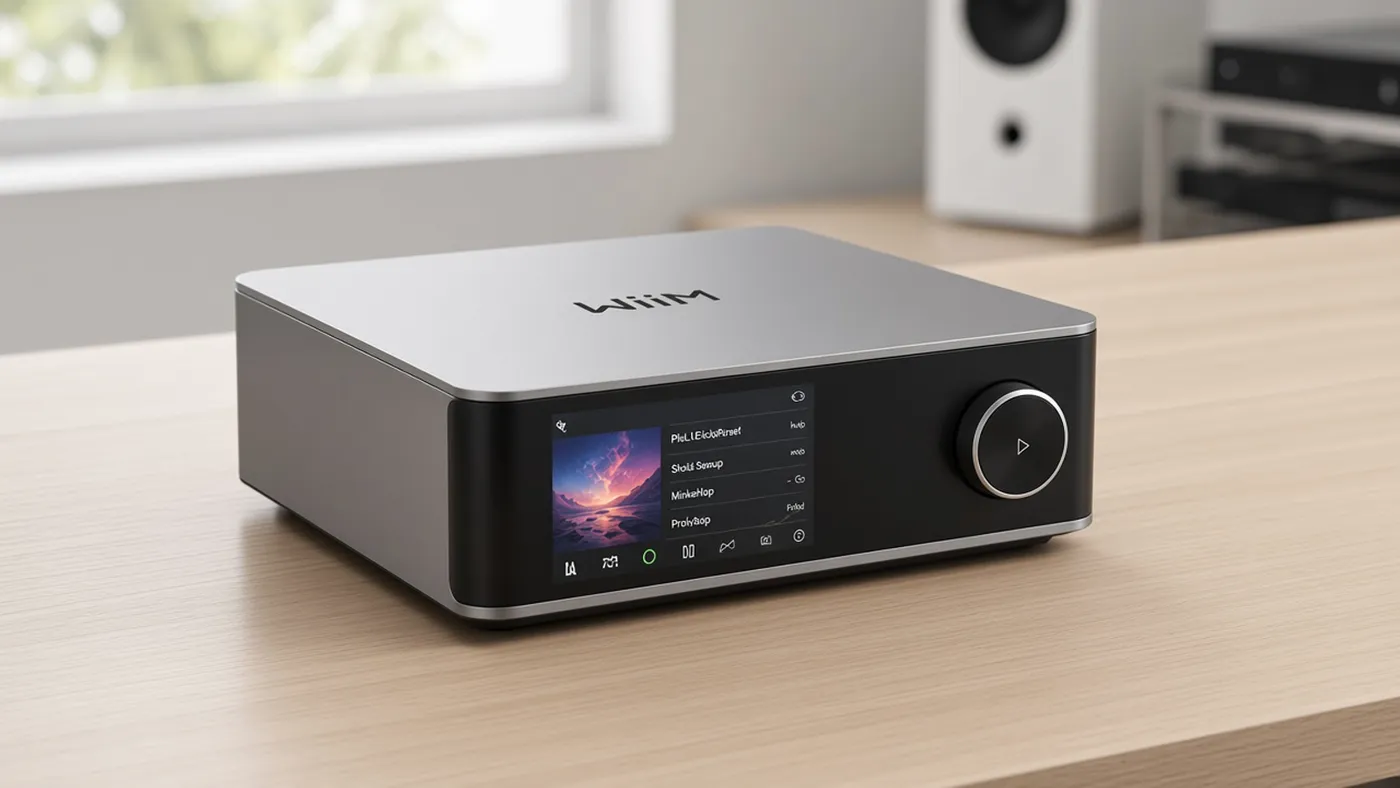
The WiiM Ultra has a very good DAC inside it, and I bypass it. My Ultra sends a digital signal over USB to a Chord Qutest, and the Qutest does the conversion. The chain is WiiM Ultra into Qutest, Qutest into the amp, and the amp into my KEF LS50 Metas, with a KEF KC62 sub handled by the Ultra’s bass management.
Adding an external DAC is one of the most common Ultra questions, and the answers are scattered across dozens of forum threads. This piece pulls it together: whether you need one at all, which output to use, the volume and subwoofer settings that confuse people, and what the common DAC options actually bring. I am labeling everything. Heard means gear I own and have listened to in my own system. Not heard means I am reporting measurements and other reviewers, not my ears.
Start here, because the honest answer for most people is no.
The Ultra uses an ESS ES9038Q2M, and it measures like a serious DAC. Audio Science Review measured roughly 115 dB SINAD from the line out and concluded it “easily makes way for itself among our very competent DACs, obviating the need to use an external one” (ASR review, as quoted by Pragmatic Audio). SoundStage’s lab measured 119 dB SNR and 0.00019% THD+N, essentially matching WiiM’s own 121 dB claim (SoundStage measurements).
The best real-world test I have found is a blind test posted on ASR. Listeners compared the Ultra’s own RCA output against the Ultra feeding a Topping D90 III over optical. 43 of 60 picks favored the external DAC, about 72%, but the poster described the differences as very subtle, and commenters pointed out the levels were matched by SPL meter rather than voltage, which is not tight enough to rule out a loudness effect (ASR blind test thread). A more recent ASR thread lands where that community usually lands: the Ultra’s DAC is already better than you can hear, so put the money elsewhere (ASR, 2026).
Not everyone agrees. John Darko described the Ultra’s DAC as “technically clear but tonally a bit grey,” and found it fatiguing over long sessions (Darko.Audio). My own note from my WiiM Ultra review was that the internal DAC sounds slightly warm yet detailed. Those two descriptions do not line up, which tells you how small and how system-dependent this difference is.
So here is how I would frame it. An external DAC on the Ultra is not a repair. It is a decision about sound character, and about keeping a DAC you love while the streamer in front of it changes every few years. If you are not sure you want either of those things, a subwoofer or a measurement mic for room correction will move the needle more. I have never run a level-matched comparison of the Ultra’s own DAC against my Qutest, so I am not going to tell you how big that step is in my room.
The Ultra has three digital outputs that can feed a DAC. Per WiiM’s spec sheet and user manual, they are USB out (up to 24-bit/192 kHz, USB Audio Class 2.0), coax out (24-bit/192 kHz), and optical out (24-bit/192 kHz). The catch is that your DAC has its own limits.
| Ultra output | Max from the Ultra | Chord Qutest input | What I would do |
|---|---|---|---|
| USB | 24/192 | USB-B, 44.1 to 768 kHz, galvanically isolated | First choice. This is what I use. |
| Coax | 24/192 | 2x BNC, up to 384 kHz | Fine, but you need an RCA to BNC cable or adapter. |
| Optical | 24/192 | 44.1 to 96 kHz only | Avoid with a Qutest if you play hi-res files. |
The Qutest figures come from Chord’s product page. That optical row is the one people miss. The Ultra will happily send 192 kHz over optical, but the Qutest’s optical input tops out at 96 kHz, so hi-res tracks will not play cleanly through that path. Check your own DAC’s optical limit before buying a Toslink cable.
USB setup (heard). This is how I connect my Qutest. Plug a USB cable from the Ultra’s USB out into the DAC, then in the WiiM Home app go to Device Settings, Audio Output, and choose USB Out. WiiM’s help page also lets you set the USB output resolution there, and a later firmware added the option to send either the maximum resolution or a fixed one (WiiM USB output guide, firmware notes). In my setup it was effortless. A bus-powered DAC may need a powered USB hub, which WiiM’s guide covers. The Qutest has its own power supply, so it does not.
Coax or optical: does it matter? (research) For sound, the WiiM forum consensus is that both carry the same bit-perfect data and sound the same, with the usual handful of people who hear a difference anyway (WiiM forum). Pick on practical grounds: sample rate limits, cable length, and whatever input your DAC is already using.
A DDC in between (heard). I later added a $70 SMSL PO100 PRO digital-to-digital converter between the Ultra and the Qutest, and I wrote up what I heard in the $70 box that made my serious system sound better. Before it went in, I described the direct USB connection from the Ultra into the Qutest as “detailed, controlled, resolved.” That is the baseline. You do not need a DDC to make this pairing work.
The Qutest has no volume control. Its output is fixed, and you choose 1V, 2V, or 3V by pressing the Filter and Input buttons together as it powers up (Chord). So something else has to set the level, and you have two options.
Option two means attenuating in the digital domain before the DAC. On a 24-bit signal at sensible levels, I would not lose sleep over it. If you want every bit untouched, use option one.
The most common complaint is the volume being too loud. One owner running an Ultra into a Qutest over USB started a thread for exactly this problem (WiiM forum). The fix usually sits on the DAC side: drop the Qutest from 3V to 2V or 1V so the volume control has more usable range. Pick the lowest setting that still lets your amp reach the levels you actually listen at.
RoomFit and bass management run in the Ultra’s DSP before the digital output, so they still apply when an external DAC does the conversion. In my room, room correction tightened up the low end and the bass management let the LS50 Metas hand the deep bass to the KC62 (heard, from my original review).
There was one real problem. When I reviewed the Ultra in late 2024, the sub output went silent the moment USB out was selected. WiiM fixed it in firmware 5.2.704152 on January 10, 2025, which added simultaneous USB and sub output. A later update improved subwoofer sound quality over USB and cut CPU load when both run together (firmware notes). If your sub is quiet on USB, update the firmware before you start swapping cables. A May 2026 update also lets the coax and optical outputs run alongside the analog line out.
One thing to keep in mind: the sub output still comes from the Ultra’s own analog stage. Only the main speakers go through your external DAC.
These are the options that come up most often for this job. The Qutest price is from my review; the others are as listed in the cited source.
| DAC | Price | Heard? | Connects from the Ultra by | Why people pick it |
|---|---|---|---|---|
| Chord Qutest | about $1,595 | Yes, I own it | USB (or coax with BNC) | Chord’s sound in a box that outlasts the streamer |
| Chord Mojo 2 | $650 | I own one; not heard in this exact pairing | USB, coax, or optical | Chord sound for less, and it doubles as a headphone amp |
| AudioQuest DragonFly Copper | $250 | Not heard | Ultra’s USB port | Cheapest way to change the flavor |
| Topping D90 III | varies | Not heard | Optical in the ASR test | Measures superbly; the blind test pick |
Chord Qutest (heard). I demoed mine against a Schiit Modi Multibit before I bought it, and what sold me was a more natural sound, a deeper soundstage, better layering, and rounder bass. The full story is in my Qutest review. With the Ultra in front of it, the pairing just works: USB in, analog out, and the WiiM keeps doing streaming, room correction, and the sub. Buy it if you want a DAC you will keep for a decade while streamers come and go. Skip it if you are buying it to fix a problem you cannot name. It costs more than four Ultras.
Chord Mojo 2 (owned, pairing not heard). I own a Mojo 2 and covered it in my Mojo 2 review, but I have not run it as the Ultra’s DAC in this rack, so the pairing impression here is Darko’s. He found the Mojo 2 fed over Toslink “more clearly separated in its layers and tonally more satisfying” than the Ultra’s own output (Darko.Audio). If you are choosing between the two Chords, my Qutest vs Mojo 2 comparison covers the trade-offs. In short, the Qutest is the better pure line-level DAC, and the Mojo 2 makes more sense if you also want a headphone amp.
AudioQuest DragonFly Copper (not heard). Darko’s cheaper route is a $250 DragonFly Copper plugged straight into the Ultra’s USB port. He reports bit-perfect playback up to 24/96 and that the WiiM keeps volume control (Darko.Audio).
Topping D90 III (not heard). This is the DAC in the ASR blind test above, and it is an easy pick for anyone who chooses by measurements. Just keep the result in proportion: a modest preference with loose level matching.
There is also a non-DAC option. Darko suggests the $99 Schiit Buf tube buffer after the Ultra’s analog out to add warmth without replacing the DAC. I have not heard one, but I wrote up what it does in my Schiit Buf and Eitr 2 piece.
The WiiM Ultra does not need an external DAC. On measurements alone, it already beats most of what you would put after it. I run a Qutest anyway because I bought that DAC first, I love how it sounds, and the Ultra is the best streamer I have found for feeding it: USB out, room correction, bass management, and a sub that once again works on USB.
If you already own a DAC you like, the Ultra is an excellent front end for it. Use USB, sort out the volume, and update the firmware. If you are starting from scratch, spend the first money on the Ultra, a sub, and room correction. Then live with it for a while before deciding whether an external DAC is something you want or something forums told you that you need. If the speakers are LS50 Metas like mine, the amp matters more than either DAC, and I covered that in the best amp for the KEF LS50 Meta.
Shanling SM1.3R HD launched Oct 29 with an in-house R2R DAC, twin toroids, and $1699 / £1799 pricing. I have not heard it. Specs, the compare field, and whether it is worth chasing for review.
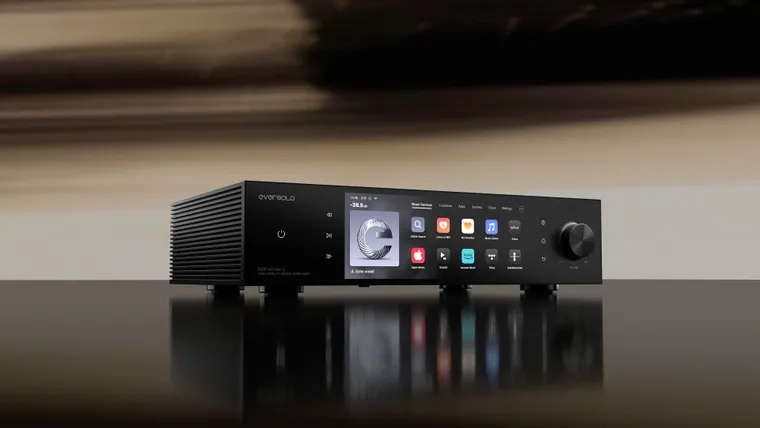
Eversolo DMP-A8 Gen 2 and Master Edition Gen 2: what changed vs the original A8, US and UK pricing, vs DMP-A6 and WiiM Ultra. I have not heard either Gen 2 box.
Bluesound added Apple Music to BluOS this week. I own a WiiM Ultra. I have not used a Node with Apple Music. Here is what the native path supports, what AirPlay still does, and who should care.