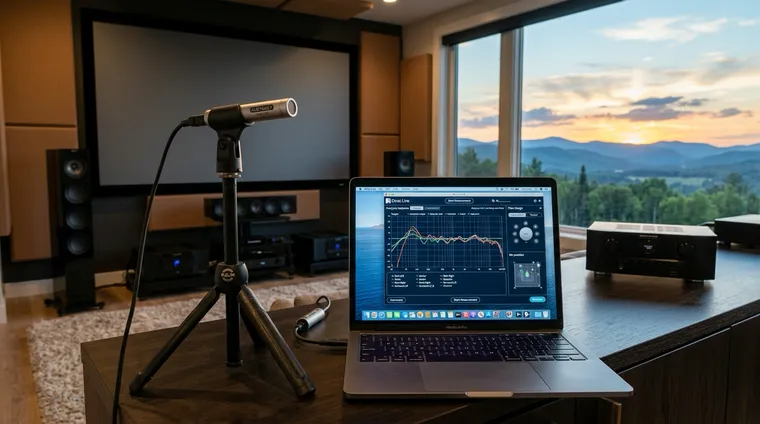
Audyssey vs Dirac Live: Is the Upgrade Worth $349?
Audyssey came free with your receiver. Dirac Live costs $259 to $349 on top. Here is what the money actually buys, which rooms need it, and when Audyssey XT32 is already enough.
HouseCurve is one of the cheapest upgrades in audio because it measures your room from the phone you already carry. Here is how it works, and the honest answer for Android users who cannot install it.
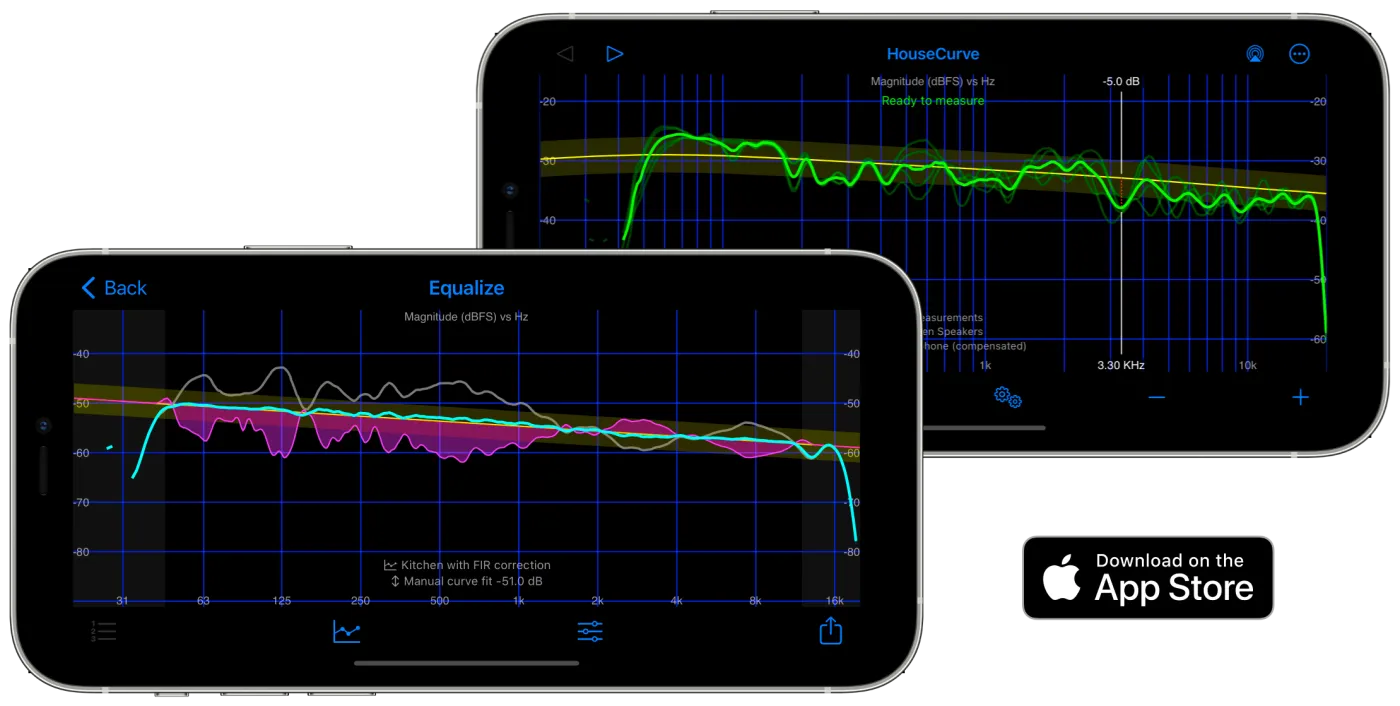
If you have spent real money on speakers or headphones and you have never measured your room, you are leaving the single biggest free improvement on the table. The room does more damage to sound than almost any component swap can fix, bass nulls, boomy modes, smeared imaging. HouseCurve is one of the easiest ways to start fixing that, because it runs from the phone already in your pocket.
This is a focused guide to HouseCurve specifically. For the wider landscape of room-correction options, see my room correction guide.
HouseCurve is an iOS app that measures your room’s acoustic response and helps you fix it, room correction, equalizer adjustment, subwoofer phase, crossover choices and more. Instead of guessing, you get a real frequency-response curve of what your speakers sound like at your listening position, plus a set of EQ adjustments to flatten the worst problems.
The workflow is genuinely simple:
That’s the whole loop, measure, average, export. No acoustic-engineering degree required.
Good enough to matter. HouseCurve’s own position is that you can get great results with just an iPhone or iPad, and for the part of the spectrum that wrecks most rooms (bass modes below ~300 Hz), the built-in mic is plenty. It deliberately doesn’t market a lab-grade dB-tolerance number, and you don’t need one to find a 10 dB bass peak.
If you want more precision across the full range, HouseCurve supports external calibrated USB microphones. The popular choice is a miniDSP UMIK-1 (~$80-90), but for most people, the phone mic gets you most of the benefit for free.
This is the combination I’d point a lot of people to, because it’s cheap and it works. HouseCurve produces PEQ values; the WiiM Home app has parametric-EQ slots you can type those values straight into. So for the price of the app’s Tuning Bundle plus a WiiM streamer, you go from “untreated room” to “corrected system” with no extra hardware. If you’re already running a WiiM, see my WiiM Ultra writeup for where it fits in a system.
Tip: Don’t chase a ruler-flat target. A gentle downward tilt, a little more bass, slightly softer treble, sounds more natural to most listeners, which is exactly what a “house curve” is.
Here’s the honest answer a lot of pages dance around: HouseCurve is iOS-only. There is no Android version. If you searched “HouseCurve Android” and landed here, that’s why you couldn’t find it in the Play Store.
But you are not locked out of room correction on Android. Three real paths:
The takeaway: Android users aren’t shut out, they just can’t use this specific app. A WiiM’s onboard correction or REW on a laptop gets you to the same place.
The app is free to download, and the free tier handles basic frequency-response measurements. The room-correction features, filter generation, advanced measurement, target-curve editing, are unlocked through an in-app Tuning Bundle, available as a one-year (non-renewable) subscription or a one-time lifetime unlock.
For that, you get the most consequential upgrade in this hobby: actually knowing what your room is doing, and a concrete way to fix it. Compared to the hundreds or thousands people spend chasing better sound through gear, measuring your room first is the move that makes everything else you own sound better.
If you’re on iOS, HouseCurve is an easy recommendation. If you’re on Android, reach for a WiiM’s built-in correction or REW, and read the full room correction guide for every option from phone apps to Dirac Live.
Hero image courtesy of HouseCurve.
Audyssey came free with your receiver. Dirac Live costs $259 to $349 on top. Here is what the money actually buys, which rooms need it, and when Audyssey XT32 is already enough.
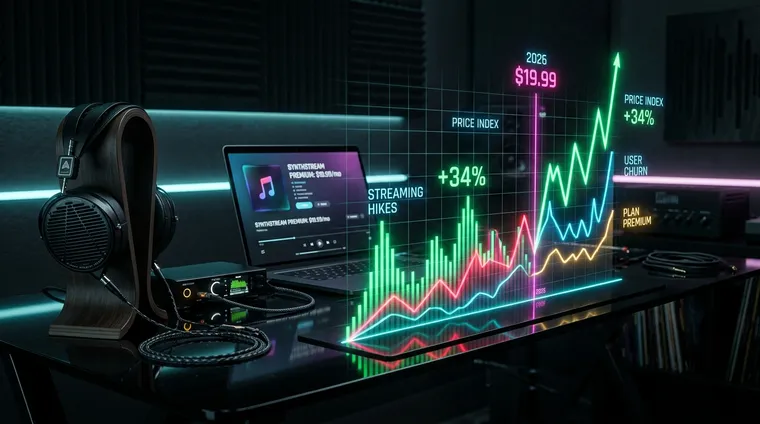
Spotify, Apple Music, Amazon, and YouTube Music all raised US prices in 2026, and Tidal is next. Here is what each service costs now, what you get for the money, and who the hikes make the worst buy.

Dirac ART uses your speakers and subs to shorten bass decay at your mic positions. Here is what Active Room Treatment actually does, which receivers support it, what the $299 add-on costs, and what has been tested.