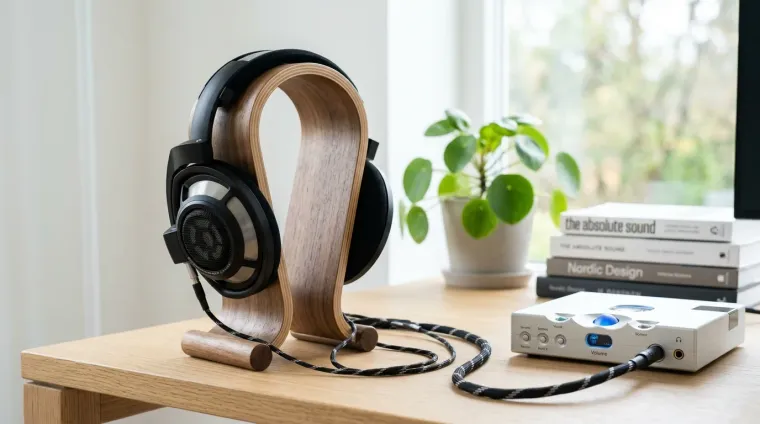
Endgame Headphones in 2026: What Qualifies, and the Contenders
"Endgame" headphones are the ones that finally stop the upgrade itch. Here's what actually makes a headphone endgame, and the models worth that title in 2026.
In Tarkov, hearing a footstep half a second before the other player does is the difference between a kill and a body bag. Here's how to tune both the game and your gear for it.
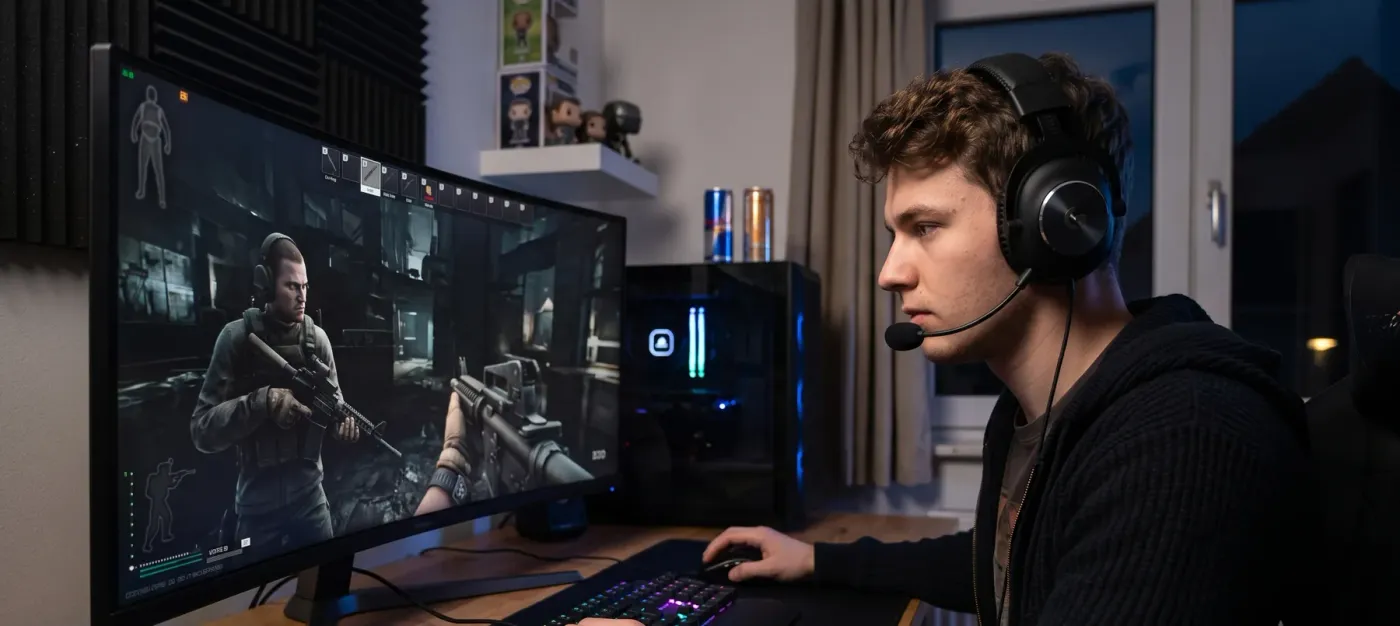
The short answer: For the best Tarkov audio, run clean stereo (never virtual surround), set Windows to 48 kHz/24-bit with Spatial Sound and all enhancements off, and keep overall volume moderate-to-high with music and interface turned down. Test Binaural Audio on versus off in offline raids and keep whichever is more consistent for you. Pair open-back headphones with a clean DAC/amp, and loot a good in-game headset like a ComTac or Sordin.
Tarkov is one of the few games where audio is not flavor, it is information. The engine models distance, direction, material, and occlusion with enough detail that a good listener genuinely hears more of the map than a bad one. That’s why this is an audiophile topic and not just a gaming one. For the headphone side of the equation, start with my guide to the best audiophile headphones for Tarkov and FPS gaming; this piece is about wringing the most out of the settings and signal chain.
A few settings do most of the work (Tarkov changes between wipes, so confirm names against your current build):
The goal is wide dynamic range where the quiet sounds stay intelligible, because in Tarkov, the quiet sounds are the ones keeping you alive.
Tarkov’s Binaural Audio setting applies HRTF processing, a head-related model that makes directionality, especially the vertical axis (the floor above you vs. below), far more legible. The game’s sound design is built around it, and with a quality headset a lot of players swear by it.
But here’s the honest part most guides skip: many serious players turn it off. Binaural can feel less predictable, and in competitive play, consistency often beats richness, you want a cue to sound the same way every time so your brain maps it instantly. There’s no universally “correct” answer. Test both in offline raids, on maps you know, before trusting either in a real run.
The game can only work with the signal Windows hands it. In your headset’s Windows sound properties:
Software 7.1 virtual-surround actively hurts here, it smears the precise stereo imaging the game already produces. Run clean stereo into good headphones and let Tarkov’s own model do the spatial work.
The game can only hand off as much detail as your gear can reproduce. Two things move the needle:
One free EQ tweak: a gentle +2-4 kHz boost makes footsteps cut through the mix without wrecking overall balance. Subtle is the key, a few dB, not a sledgehammer.
This one catches new players out: the headset you loot inside Tarkov matters too. Items like the ComTac, Sordin, or GSSh amplify ambient sound and footsteps in-raid, a gameplay layer entirely separate from the real headphones on your head. Real headphones + a good in-game headset is the combination that actually wins gunfights.
Get those right and you’ll hear players before they hear you. For the gear specifics, head to the Tarkov & FPS headphones guide.
"Endgame" headphones are the ones that finally stop the upgrade itch. Here's what actually makes a headphone endgame, and the models worth that title in 2026.
The best audiophile headphones for gaming in 2026, and why a great open-back plus a clip-on mic beats almost any gaming headset. Real picks from budget to endgame, open and closed.